
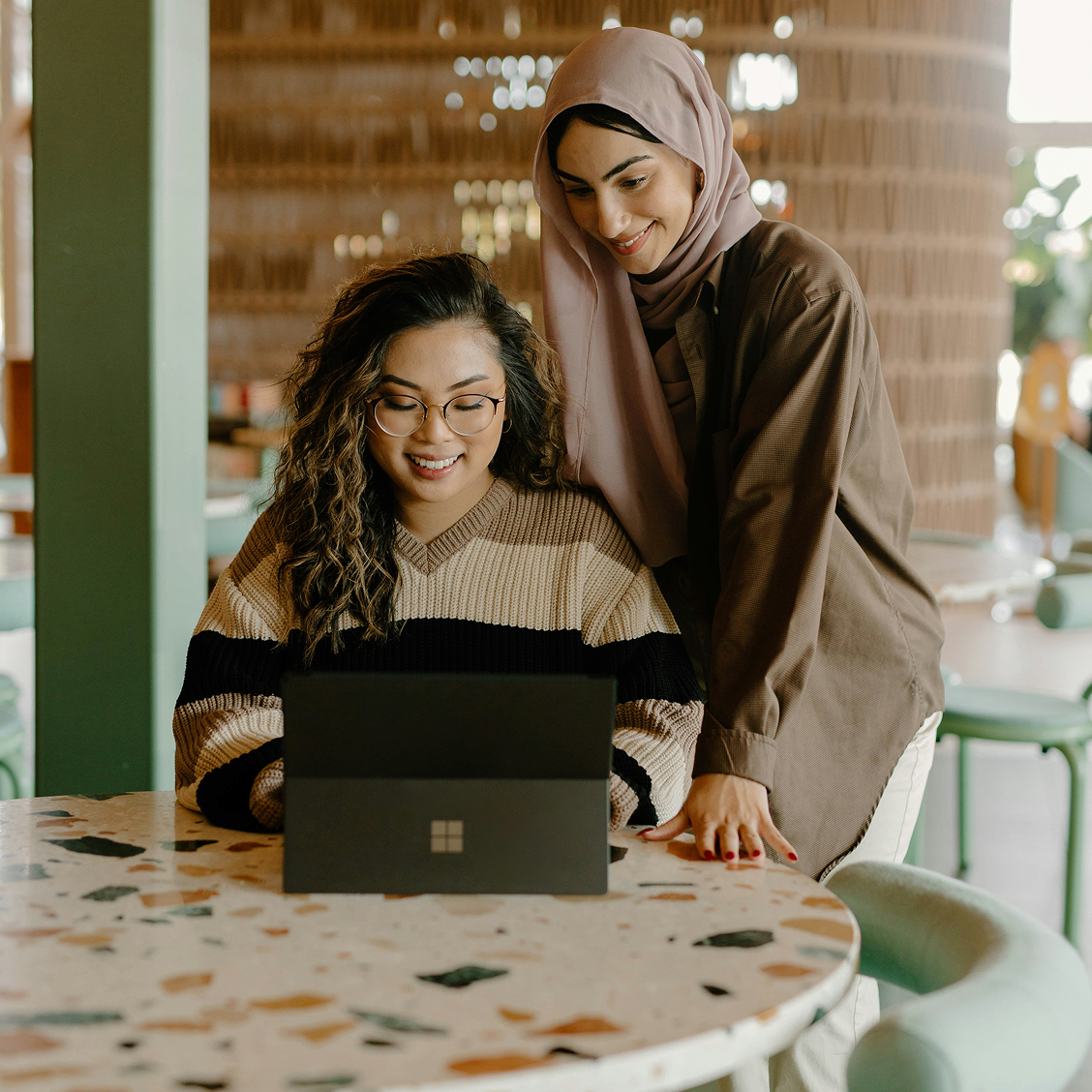
Technology has transformed the way we learn, communicate, work, and participate in society. For children and young adults with special educational needs, digital skills can open new opportunities for education, independence, communication, creativity, and future employment.
At Tanzeem al Lissan, our Computer Education & Digital Skills Program provides structured, accessible, and individualized computer training that helps learners develop confidence in using technology for everyday life, academic success, and career preparation.
Whether a student is learning to operate a computer for the first time or developing advanced office and graphic design skills, our goal is to equip them with practical digital competencies that support lifelong learning and inclusion.
Why Digital Skills Matter
In today’s world, digital literacy is an essential life skill.
Learning to use computers helps children and young adults:
- Access educational resources
- Improve communication
- Develop problem-solving skills
- Complete academic assignments
- Build confidence
- Prepare for future employment
- Increase independence
- Participate in the digital world safely and responsibly
Technology can also serve as an important assistive tool for learners with communication, hearing, motor, or learning challenges.
Who Can Benefit?
Our Computer Education Program is designed for:
- Children with Autism Spectrum Disorder (ASD)
- Students with Intellectual Disabilities
- Children with Down Syndrome
- Students with Hearing Impairment
- Children with Developmental Delays
- Learners with Cerebral Palsy (depending on functional abilities and adaptive technology)
- Students with Learning Disabilities
- Young adults preparing for vocational opportunities
Training is individualized according to each learner’s abilities, communication needs, educational background, and career goals.
Our Learning Philosophy
We believe that technology should be accessible to everyone.
Our program focuses on:
- Practical learning
- Hands-on activities
- Individualized instruction
- Step-by-step skill development
- Inclusive teaching methods
- Real-life application
- Building confidence through success
Lessons are designed to be engaging, interactive, and meaningful.
Foundation Computer Skills
Students begin by developing essential computer skills, including:
- Understanding computer parts
- Turning a computer on and off safely
- Using a keyboard and mouse
- Opening and closing applications
- Managing files and folders
- Typing practice
- Basic troubleshooting
- Understanding digital devices
These foundational skills prepare students for more advanced learning.
Microsoft Office Skills
As students progress, they may receive structured training in Microsoft Office applications.
Microsoft Word
Students learn to:
- Create documents
- Format text
- Insert pictures and tables
- Prepare assignments
- Print documents
Microsoft Excel
Students develop skills in:
- Data entry
- Basic formulas
- Tables
- Simple charts
- Organizing information
Microsoft PowerPoint
Learners explore:
- Creating presentations
- Designing slides
- Adding images
- Animations
- Presenting ideas confidently
Microsoft Outlook (where appropriate)
Students may also learn:
- Email communication
- Calendar management
- Professional communication
- Digital organization
Internet and Online Learning
The internet provides valuable educational opportunities when used responsibly.
Students learn:
- Safe web browsing
- Searching for educational information
- Accessing online learning platforms
- Downloading educational resources
- Evaluating reliable information
- Protecting personal information
Digital safety is integrated throughout the program.
Computer Graphics and Creative Design
For students with creative interests, we offer introductory training in computer graphics and digital creativity.
Topics may include:
- Basic graphic design principles
- Image editing
- Poster design
- Greeting cards
- Educational illustrations
- Digital artwork
- Simple branding concepts
Creative projects encourage imagination while developing valuable technical skills.
Assistive Technology
Technology can help overcome barriers to communication and learning.
Where appropriate, students may use:
- On-screen keyboards
- Speech-to-text tools
- Text-to-speech software
- Visual learning applications
- Communication software
- Accessibility features built into computers and tablets
Our team helps identify technology that supports each learner’s participation and independence.
Digital Communication Skills
Students develop practical communication skills using technology, including:
- Writing emails
- Video communication
- Online collaboration
- Digital etiquette
- Respectful online interaction
- Safe social communication
These skills prepare learners for education, employment, and community participation.
Preparing for Employment
For older students and young adults, digital skills can provide pathways to vocational opportunities.
Training may include:
- Creating a professional résumé
- Basic office procedures
- File management
- Workplace communication
- Data entry
- Online job search basics
- Professional computer use
These practical competencies increase readiness for further education and employment.
Project-Based Learning
Students strengthen their knowledge by completing meaningful projects such as:
- School assignments
- Posters
- Presentations
- Certificates
- Flyers
- Digital artwork
- Spreadsheets
- Personal portfolios
Project-based learning encourages creativity, independence, and practical application of newly acquired skills.
Learning Environment
Our classrooms provide a supportive environment where students can:
- Learn at their own pace
- Ask questions freely
- Receive individualized guidance
- Practice independently
- Collaborate with classmates
- Build confidence through achievement
Every learner is encouraged to celebrate progress, regardless of their starting point.
Family Partnership
Families play an important role in encouraging technology use at home.
We work with parents by:
- Recommending educational software
- Promoting safe internet habits
- Suggesting home practice activities
- Encouraging digital responsibility
- Monitoring learning progress together
Consistent support helps students become confident technology users.
Benefits of Our Computer Education Program
Students participating in our program may:
- Develop essential digital literacy
- Improve academic performance
- Strengthen communication
- Increase independence
- Build confidence
- Develop creativity
- Prepare for higher education
- Enhance employability
- Participate more actively in modern society
Technology becomes a tool for opportunity, not a barrier.
Why Choose Tanzeem al Lissan?
Families choose Tanzeem al Lissan because we provide:
- Individualized computer instruction
- Inclusive teaching methods
- Practical hands-on learning
- Microsoft Office training
- Computer graphics education
- Safe digital learning environments
- Qualified instructors
- Career-oriented digital skills
- A commitment to preparing learners for the future
Frequently Asked Questions
Does my child need previous computer experience?
No. Students begin at their current skill level, and instruction is adapted to their experience and abilities.
Can children with special needs learn computers?
Yes. With appropriate teaching methods, adaptive technologies where needed, and individualized support, many children and young adults with special educational needs can successfully develop computer skills.
Will students receive Microsoft Office training?
Where appropriate, students receive training in Microsoft Word, Excel, PowerPoint, and other digital productivity tools based on their educational goals and readiness.
Can computer skills help with employment?
Yes. Digital literacy is increasingly important in education and the workplace. Computer skills can support further education, vocational training, office-based employment, entrepreneurship, and independent living.
Preparing Learners for a Digital Future
Technology has become an essential part of modern life, and every learner deserves the opportunity to participate confidently in the digital world.
At Tanzeem al Lissan, our Computer Education & Digital Skills Program helps children and young adults develop practical technology skills that support education, communication, creativity, independence, and future career opportunities.
By combining individualized instruction with real-world learning experiences, we empower learners to use technology as a tool for growth, inclusion, and lifelong success.
Contact us today to learn more about our Computer Education & Digital Skills Program and discover how digital learning can help your child build confidence for the future.